Sketch Faster, Think Clearer

Today we dive into Visual Note-Taking for Busy Minds, a practical way to capture ideas at the speed they appear. Through quick sketches, expressive lettering, and simple structures, you will turn scattered thoughts into clarity. Expect field-tested tactics, relatable stories, and small experiments that fit into five-minute gaps and transform meetings, classes, and chaotic days into meaningful, memorable maps.

Why Pictures Beat Paragraphs When Time Is Short

When the clock is ruthless, pictures carry meaning with fewer mental steps. Cognitive science calls it the picture superiority effect and dual coding: pairing simple visuals with words strengthens recall under pressure. We will use shapes, arrows, and spatial layout to compress complexity, making hurried moments productive. You will see how small doodles, chosen intentionally, outperform dense notes without sacrificing nuance or accuracy.

The Brain’s Bias for Imagery

Your brain remembers pictures more readily than plain text because images anchor meaning through multiple channels at once. A quick icon linked to a crisp keyword creates a cue that your future self can instantly decode. This bias is a gift when you are busy; lean into it by translating jargon into visual metaphors, containers, and directional arrows that map relationships faster than sentences ever could.

Chunking Chaos into Shapes

Chunking turns overwhelm into order by grouping related ideas within visual boundaries. Boxes become projects, circles become stakeholders, triangles become warnings or priorities. Lines and arrows express flow without verbose transitions. When something feels tangled, give it a shape, place it intentionally, and let proximity tell half the story. Busy minds relax when structure appears, even if the sketch looks charmingly imperfect and hand-drawn.

Anecdote: The Platform Announcement Sprint

During a frantic product briefing, I sketched a megaphone icon, three stacked rectangles for layered launches, and arrows to customer segments. Five minutes later, our team aligned without rereading slides. The tiny visual map survived chaos, helped surface a risk, and sparked a final question that saved engineering a week. The page looked scrappy, yet it preserved momentum when everyone was juggling messages and decisions.

Setting Up a Frictionless Visual System

Your Daily Capture Kit

Keep a simple kit within arm’s reach: reliable pen, smooth notebook, portable markers, or a tablet with pressure-sensitive stylus. Add sticky notes for movable thoughts and a clip for quick scanning. The goal is zero hunting; tools should appear like muscle memory. A predictable kit anchors confidence, helping your hand move before doubt interrupts, letting sketches land while ideas are still fresh and vivid.

Design a Lightweight Page Layout

Pre-draw a quiet scaffold so pages start themselves. Reserve a top strip for the key question, use a left column for inputs, and a generous canvas for diagrams. Add a tiny legend for icons you reuse. This layout eliminates hesitation, reduces clutter, and welcomes flow. When stakes rise, structure supports you, keeping important details visible while gently nudging the eye along a clear, repeatable path.

A Ritual to Start and Stop Quickly

Create bookends for your sessions: a thirty-second breathing cue, a headline question, and a bold first mark that breaks the blank page. End with a tiny summary box and a next-action arrow. The ritual signals urgency without panic, preserving focus under pressure. Repetition builds reliability, so even a chaotic day gains rhythm. Your notes will feel alive, yet calm enough to revisit and trust.

Fast Sketching Techniques That Anyone Can Master
Draw Five Primitives, Express Anything
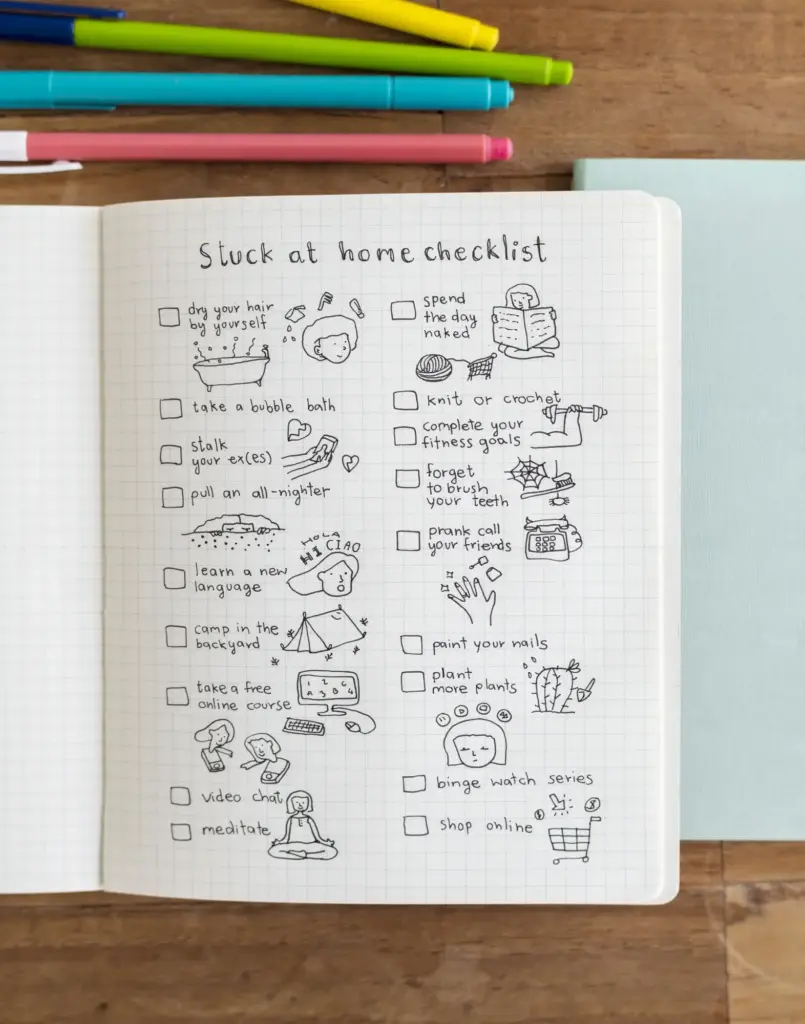
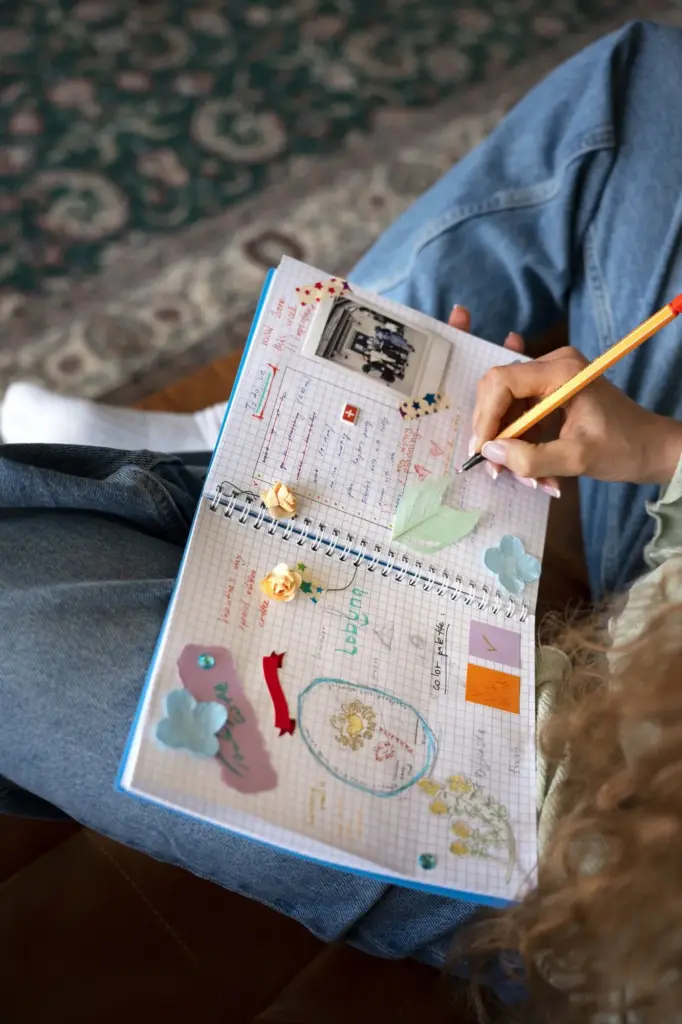
Master a tiny set: dot, line, angle, circle, rectangle. Combine them into timelines, matrices, flowcharts, and storyboards. Practice repeatedly until your hand moves without thinking, even on a bumpy commute desk. These primitives transform complexity into modular shapes you can rearrange quickly. Limits are liberating; they shrink decisions, reduce visual noise, and turn your page into a flexible stage where ideas enter and connect.

Lettering for Speed and Clarity

Readable lettering beats fancy scripts every time. Use uppercase for headlines, tidy mixed-case for labels, and bold strokes for emphasis. Leave generous breathing room around key words so they pop at a glance. Establish two sizes only, preventing fussy resizing. When you can write decisively, sketches accelerate, and colleagues instantly grasp intent. Clear lettering is kindness under pressure, removing friction between noticing, capturing, and sharing insight.

Icons that Save Seconds

Build a personal set of fifteen icons you can sketch in under two seconds each: people, idea bulb, clock, bug, graph, cloud, lock, checkmark, warning, folder, database, link, rocket, heart, compass. Memorize them through spaced practice. Icons function like shortcuts on paper, tagging meaning instantly. When stacks of conversations collide, these quick glyphs rescue context, letting you keep pace without sacrificing comprehension or essential nuance.

Real-Time Listening Framework

Track four streams: context, ideas, objections, and decisions. Give each a visual home so they cannot mingle messily. Use question marks for assumptions, stars for breakthroughs, and chains for dependencies. When someone speaks, decide where it belongs before you draw. This gentle constraint sharpens listening, reduces rework, and leaves you with actionable notes that colleagues can actually use to move projects forward confidently and quickly.

From Doodles to Decisions

End each session by boxing the decision, owner, and deadline. Draw a bold arrow from supporting sketches into that box, showing lineage. Without this bridge, doodles remain charming but inert. The conversion step demands clarity: what happens next, who will do it, and when. This habit makes your visuals operational, protecting momentum and ensuring the collective memory outlives the room’s energy and fading spoken promises.

Collaborative Whiteboard Etiquette

Invite others to add marks, but set visual rules: one color per role, arrows only for causation, and labels on every shape. Narrate while drawing so listeners track meaning. Rotate the pen quickly, keeping pace democratic. Photograph and share immediately with a concise caption. Etiquette transforms scribbles into shared artifacts, reducing dominance, amplifying quiet voices, and turning a messy wall into a trustworthy reference everyone respects.

Digital Workflows: Tablets, Pens, and Cloud Sync
Paper is lovely, but digital shines for speed, search, and sharing. A tablet with a responsive stylus, minimal latency, and reliable cloud sync becomes a pocket studio. Choose tools that disappear while you work. Build templates, tag pages consistently, and automate exports. When life is frantic, a resilient, searchable library saves hours, enabling instant recall, fast collaboration, and continuity across devices, projects, and shifting contexts.

Choosing the Right App Without Overthinking

Pick a stable app with layers, shape snapping, fast eraser, and effortless sharing. Avoid feature bloat that tempts tinkering. Test with a five-minute live meeting; if it keeps up, it qualifies. Commit for a month to learn gestures and shortcuts. Consistency beats novelty. Your goal is dependable capture under pressure, not a perfect interface. Let your content, not tool exploration, be the star of productive sessions.

Pen Settings and Brushes that Mimic Paper
Tune your digital pen to mirror your favorite analog feel: medium pressure curve, slight stabilization, and a brush with clear downstroke weight. Create a bold brush for headlines and a hairline for connectors. Save a palette with three neutrals and one accent. Familiarity fosters speed; when marks behave predictably, your hand forgets the screen and the sketch flows like ink on a forgiving notebook page.

Backups, Tags, and Search that Actually Work

Protect your future self by automating backups nightly. Use predictable tags like project, stakeholder, status, and date ranges. Title pages with a question rather than a vague label. Optical character recognition on headings plus thumbnail previews accelerates retrieval. When a surprise call arrives, you can surface the right map in seconds, sounding prepared and calm, because your visual archive operates like a well-indexed second brain.

Review, Recall, and Share: Making Notes Work Harder

Creation is half the job; utility comes from revisiting, refining, and distributing insights. Short, spaced reviews strengthen memory, while concise summaries invite collaboration. By closing the loop—reviewing, extracting actions, and sharing—you transform pretty pages into progress. Your visual library becomes a trusted partner, reducing rework, preserving context between sprints, and helping teammates onboard quickly. Busy minds finally breathe, supported by reliable, living reference maps.
Xarikirarinoveltozeratelimexo
Privacy Overview

This website uses cookies so that we can provide you with the best user experience possible. Cookie information is stored in your browser and performs functions such as recognising you when you return to our website and helping our team to understand which sections of the website you find most interesting and useful.